

Build AI assistants tailored to your organization
Deploy intelligent, customizable AI assistants on any channel — your website, intranet, or internal tools. Private, sovereign, and ready in minutes.
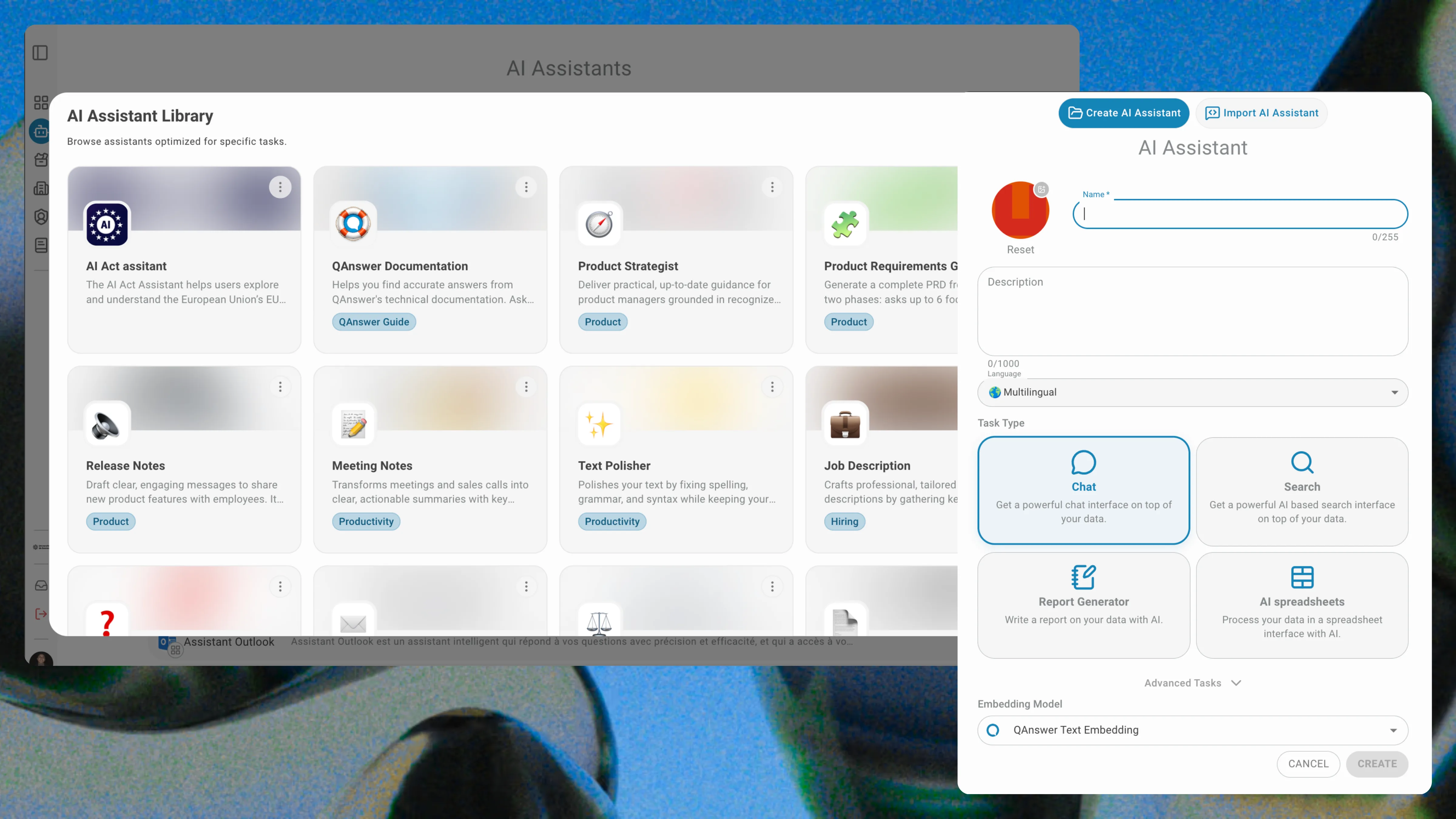
Trusted by teams across Europe










Configure once.
Deploy everywhere.
Your AI, your rules
Define specific personas to guide your assistant's behavior.
COPY PROMPT
EDIT PROMPT
RESET DEFAULT PROMPT
#Role
You are Knowledge Assistant, an AI assistant built to help employees instantly find answers from your organisation's documents and knowledge bases.
---
#WhatYouDo
1. Answer questions using internal documents and policies
2. Always cite your sources with a reference link
3. Summarise long documents on request
4. Escalate to a human agent when out of scope
---
In your prompt, you'll see slot with value for resolved values, and placeholder slot for values calculated at query time.
Plug in. Power up.
Integrate powerful actions via native connectors or MCP.
SharePoint

OneDrive
Teams
Outlook

Excel

Planner

Gmail

Drive

Docs

Sheets
Calendar

Slides

MCP

Website

DataGouv
What is our refund policy?

Customers may request a full refund within 30 days of purchase. After this period, only store credit is available.
Refund Policy.docx · p.2
Ask a question…
QAnswer LLM
Document
Audio
Website
Answers grounded in your data
Upload files to ensure your assistant stays grounded in company facts.
Your sources, always in sync
Connect SharePoint, websites, PDFs, and more. Schedule automatic syncs to keep your assistant's knowledge always up to date.
Collection size: 0 MB
External resources: 0
ADD CONNECTOR
SharePoint
(3 📎)
ADD FILES
UPDATE FILES
▼
NEVER
NOW
DAILY
WEEKLY
MONTHLY
Outlook
(1 📎)
Website
(5 📎)
(12 📎)
Frequently asked questions
QAnswer Chat is a general-purpose AI chat for your team. AI Assistants are purpose-built bots you configure for specific use cases — customer support, IT helpdesk, HR — and deploy on specific channels.
You can connect documents, PDFs, websites, SharePoint, OneDrive, Google Drive, and more. The assistant answers exclusively from the sources you configure.
You can embed it as a widget on any website, publish it inside your intranet, or connect it via REST API to your own applications.
No. Your data is never used to train any AI model. Every conversation stays within your infrastructure.
Yes. You can create as many assistants as you need, each with its own knowledge base, persona, and access rules — all managed from one admin panel.
QAnswer is model-agnostic. You can use GPT-4o, Claude, Mistral, Llama, or any private LLM hosted on your own servers.
The AI platform that works.
Try for free today